
Restaurant Menu Design for Print & Digital
How to Prepare a Restaurant Menu for Printing
A menu that looks perfect on screen can still print with white edges, blurry photos or dull colours. This checklist covers what printers need, so your menu comes back looking the way it was designed.
The short answer
Send your printer a PDF in CMYK colour, with images at 300 ppi at their printed size, 0.125 inch (3 mm) of bleed on every edge, and text kept inside a safe margin. Every menu I design is delivered as a print-ready CMYK PDF like this.
- CMYK colour, not RGB
- Images at 300 ppi at the size they print
- 0.125 in (3 mm) bleed on every edge
- Text at least 0.125 to 0.25 in (3 to 6 mm) inside the trim
- Fonts embedded or outlined
- Exported as a print PDF with crop marks if your printer asks for them
Colour: CMYK, not RGB
Screens mix light in RGB, while printers mix ink in CMYK. Bright screen colours, especially vivid oranges, greens and blues, can look duller in print. Designing in CMYK from the start means the colours you approve are close to the colours you get.
If your brand has a specific colour, ask your printer for a printed proof before a large run.
Photos and images: 300 ppi
Photos should be 300 pixels per inch at the size they appear on the menu. A photo printed 4 inches wide needs to be about 1,200 pixels wide. Images taken from your website or social media are usually too small and will print soft or pixelated.
Send original photos from your camera or photographer, not screenshots.
Bleed and safe margins
Printers print on a larger sheet and trim it down, and the cut can move slightly. Bleed is extra background that runs past the edge so a small shift never leaves a white line. Keep 0.125 inch (3 mm) of bleed in the US and Canada, or 3 mm in the UK and Europe.
Keep dish names, prices and your logo inside a safe margin, so nothing important is trimmed off.
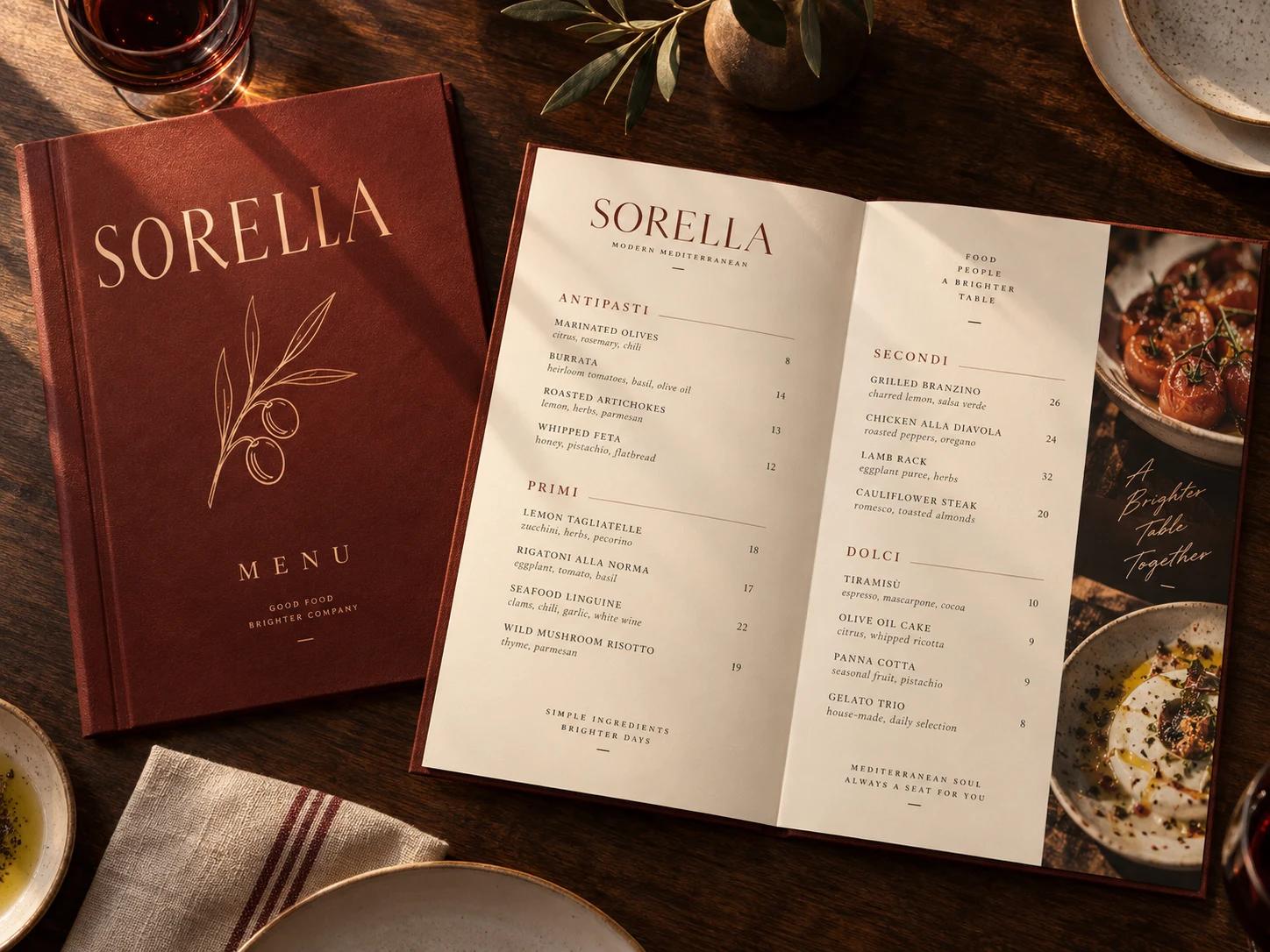
Fonts, paper and the final PDF
- Fonts: embed them in the PDF or convert text to outlines, so the printer sees the same type you approved.
- Text size: keep dish descriptions large enough to read in low restaurant light.
- Paper: thicker paper or card feels more premium and lasts longer on the table. Laminated or synthetic paper wipes clean.
- Proof: check one printed copy for typos and prices before printing the full run.
Get a print-ready menu
My Restaurant Menu package starts at $25 and includes a print-ready CMYK PDF and a digital version for your website, QR code or social media. Send your menu text and preferred size, and I reply within 24 hours.